Usage
Workspace Admins can access the Usage section of their workspace via the sidebar.
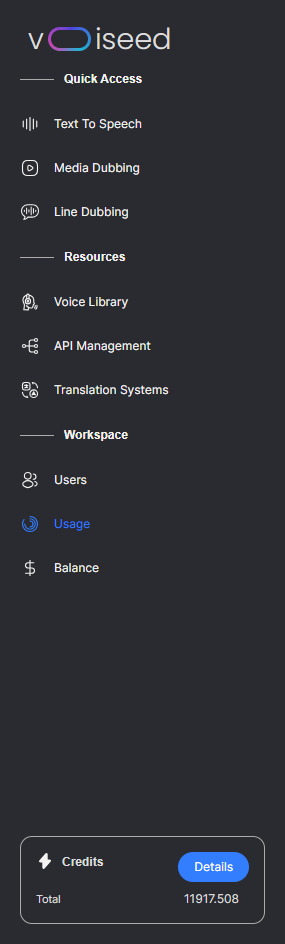
There are four filters available to examine the platform usage:
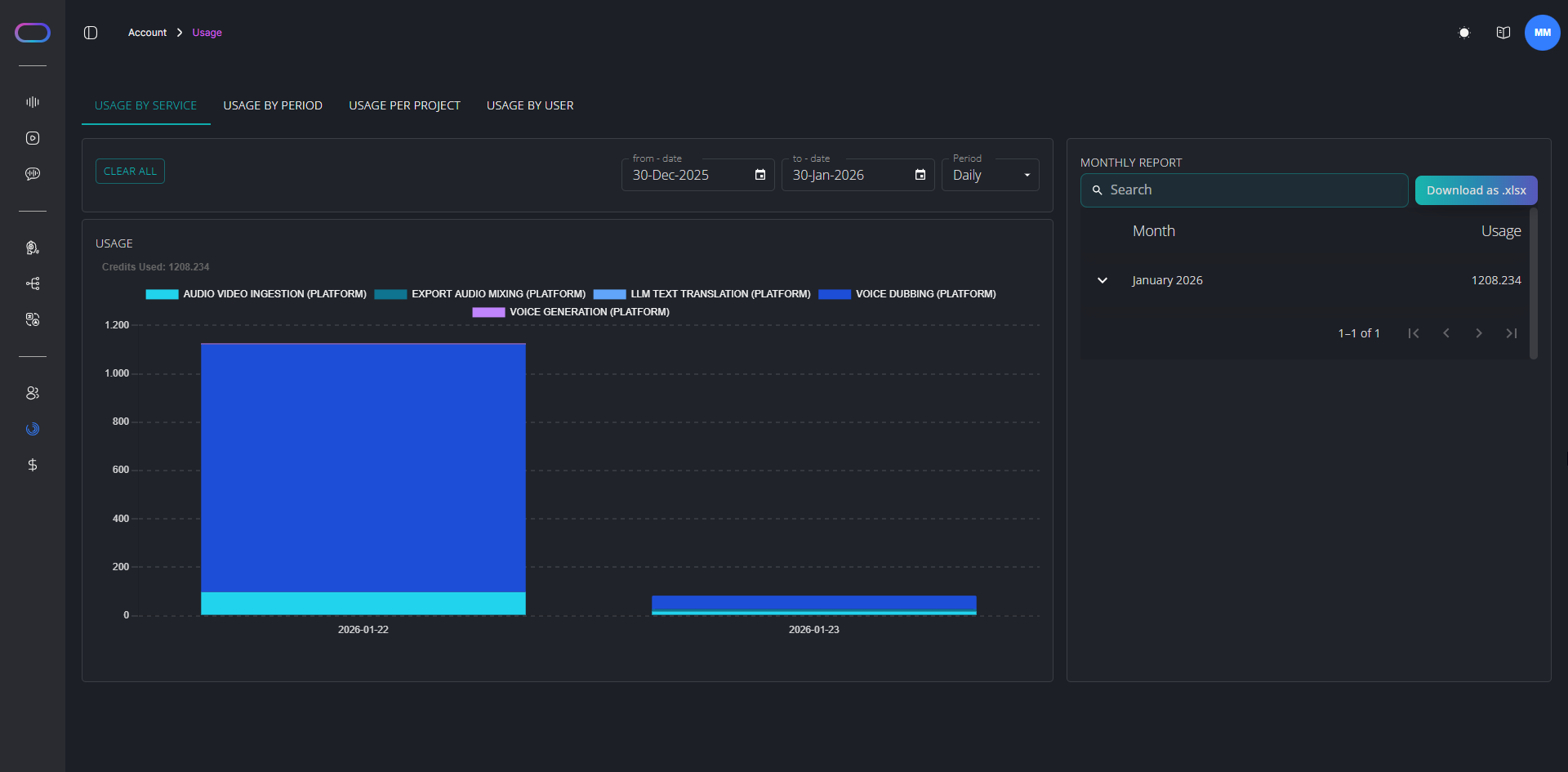
The Usage by Service report provides a detailed overview of the cost incurred by each API or platform service.
On the right-hand side of the page, you can access the Monthly Report which you can download as an Excel file.
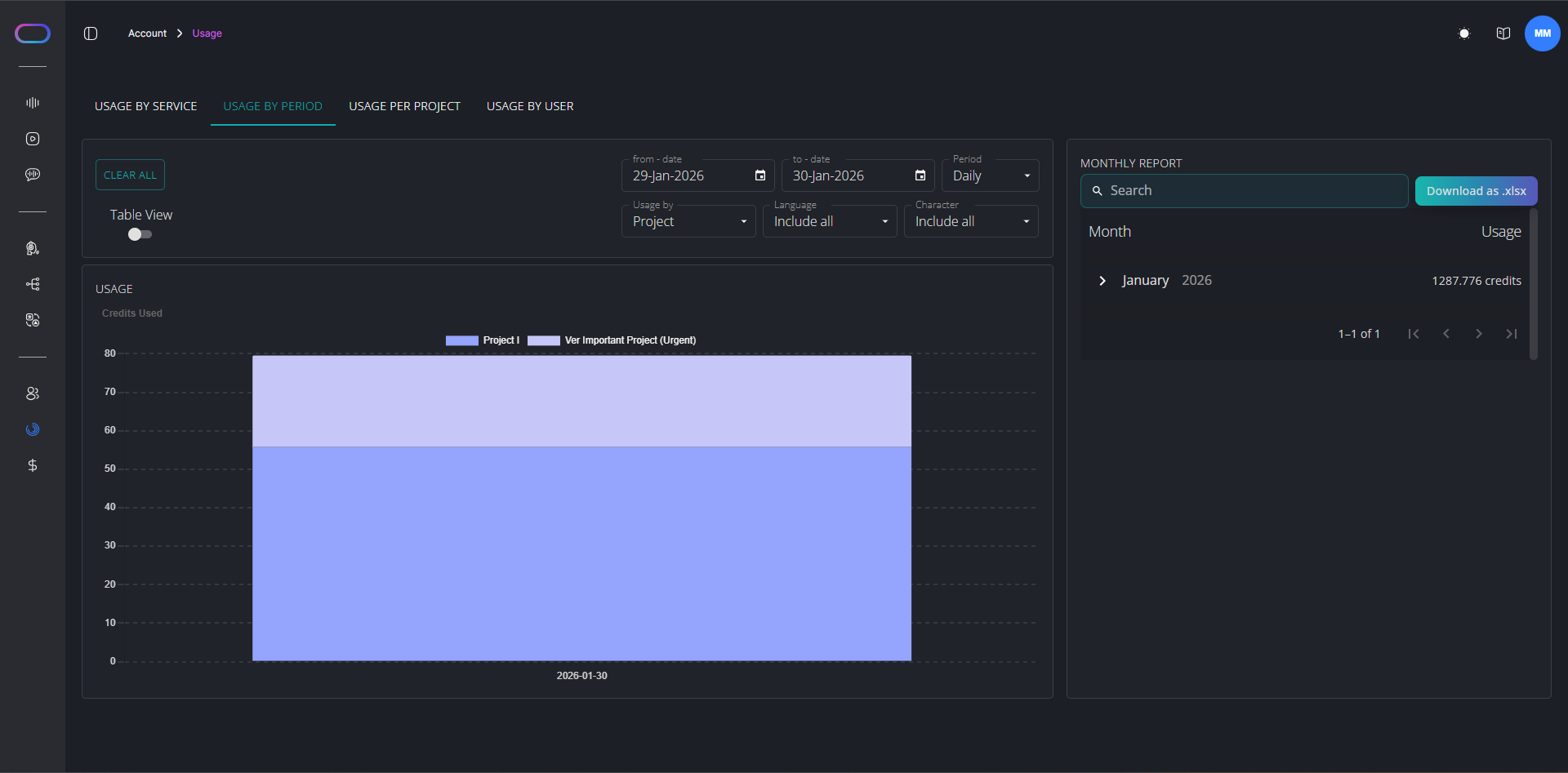
Usage by Period allows you to select a date range to view usage per project, language, batch, and character within the selected period.
At the bottom right of the page, you can access the Monthly Report which you can download as an Excel file by clicking on the  button.
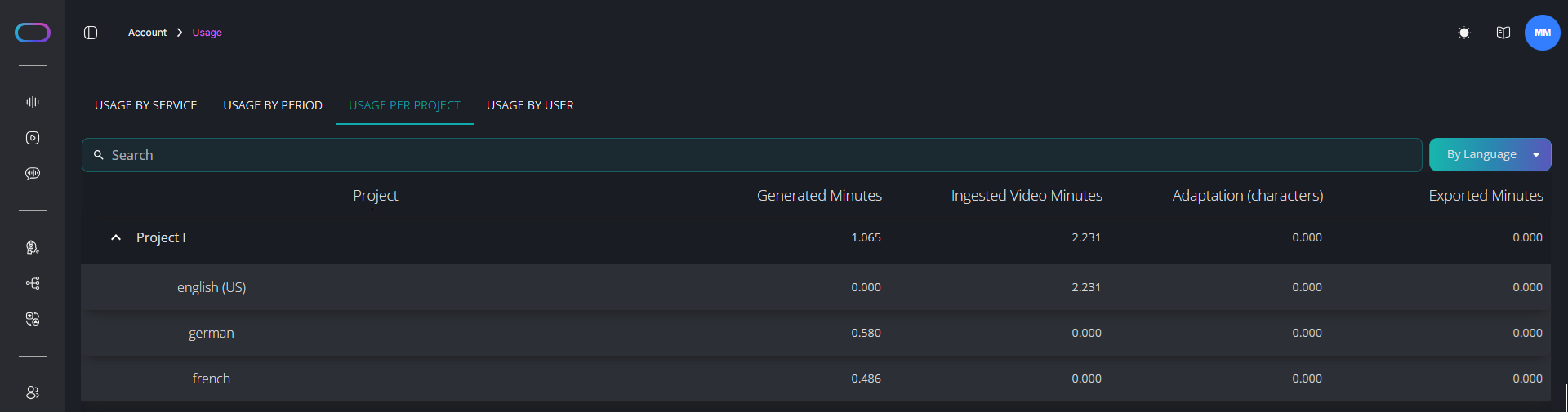
Per Project provides a detailed breakdown by language, character, and batch.
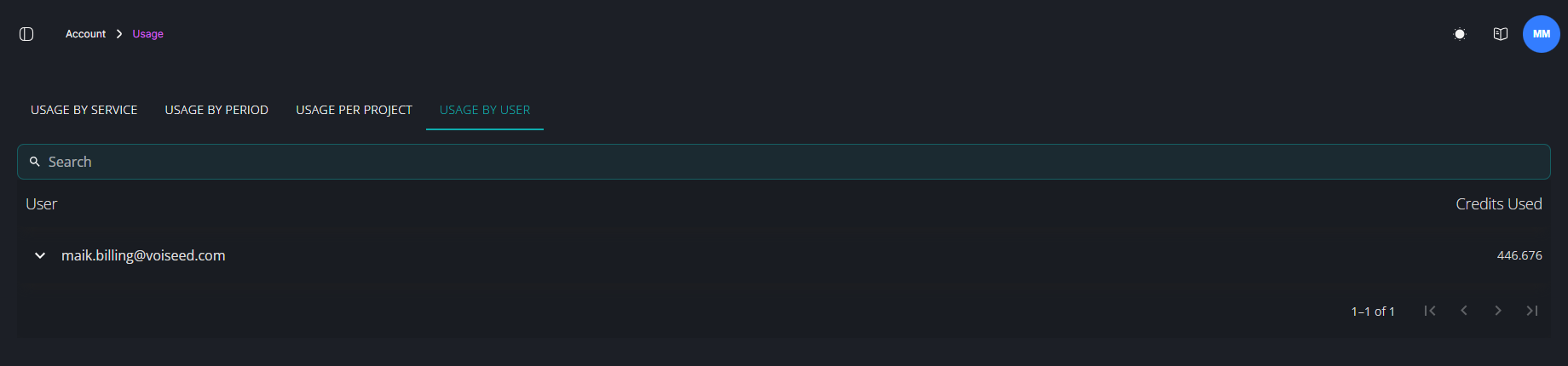
By User displays the list of users associated with your workspace, along with the minutes they've used.