Balance
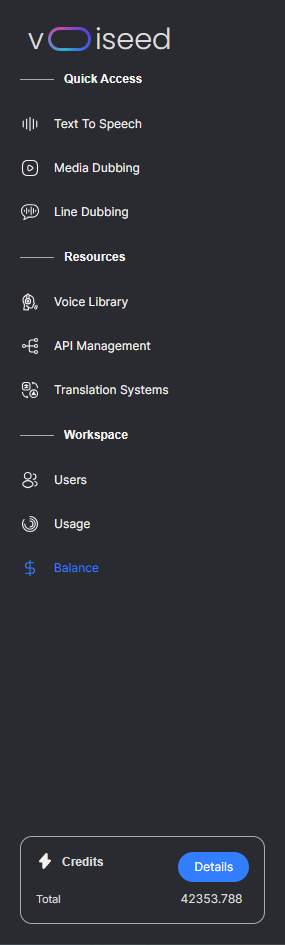
Workspace Admins can access the Balance section of their workspace via the link in the sidebar.
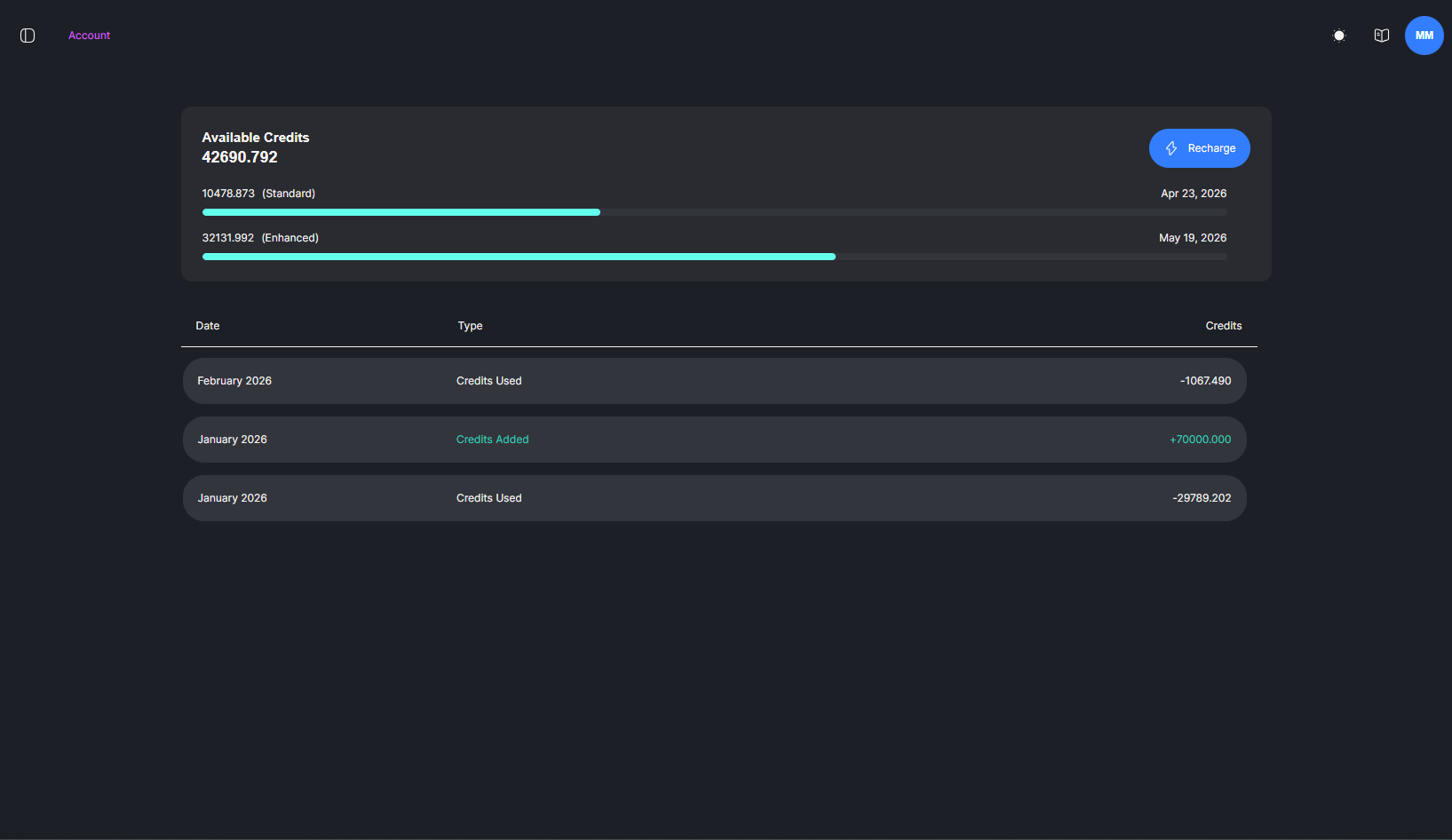
The Balance page shows the total number of available credits on the platform, along with a package-by-package breakdown containing their expiration dates. The table below shows all credits added, used and expired in a given month.
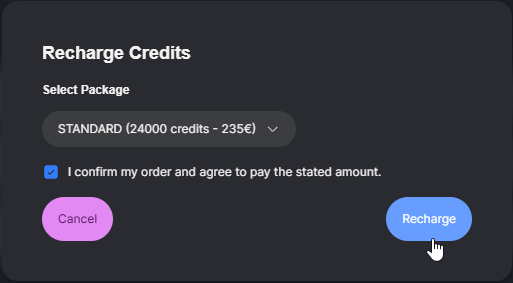
To recharge your credits, simply click 'Recharge' and follow the on-screen instructions. Once you have recharged, the credits will be added to your account instantly. You will receive an invoice later.