Translation Systems
Supported Providers
Translation systems can be used to translate source scripts into a target language without the need to create a localized version of the script outside of the tool. You can integrate Voiseed Studio with the following solutions:
- Language Weaver
Language Weaver is an enterprise-class neural machine translation system from RWS. Visit the RWS page for more information.
- DeepL Translator
DeepL Translator is an advanced AI-powered translation tool that uses neural machine translation technology to provide high-quality and nuanced translations between multiple languages. Visit the DeepL page for more information.
- Globalese
MemoQ's Globalese is a comprehensive platform for training AI-powered, custom machine translation models.
- MemoQ
MemoQ is a computer-assisted translation (CAT) tool and translation management system (TMS) designed to improve the speed, consistency, and quality of translations.
Setup
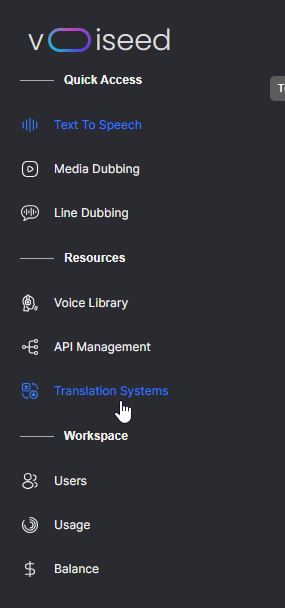
To add one of these systems to your platform, navigate to the Translation Systems page by using the sidebar.
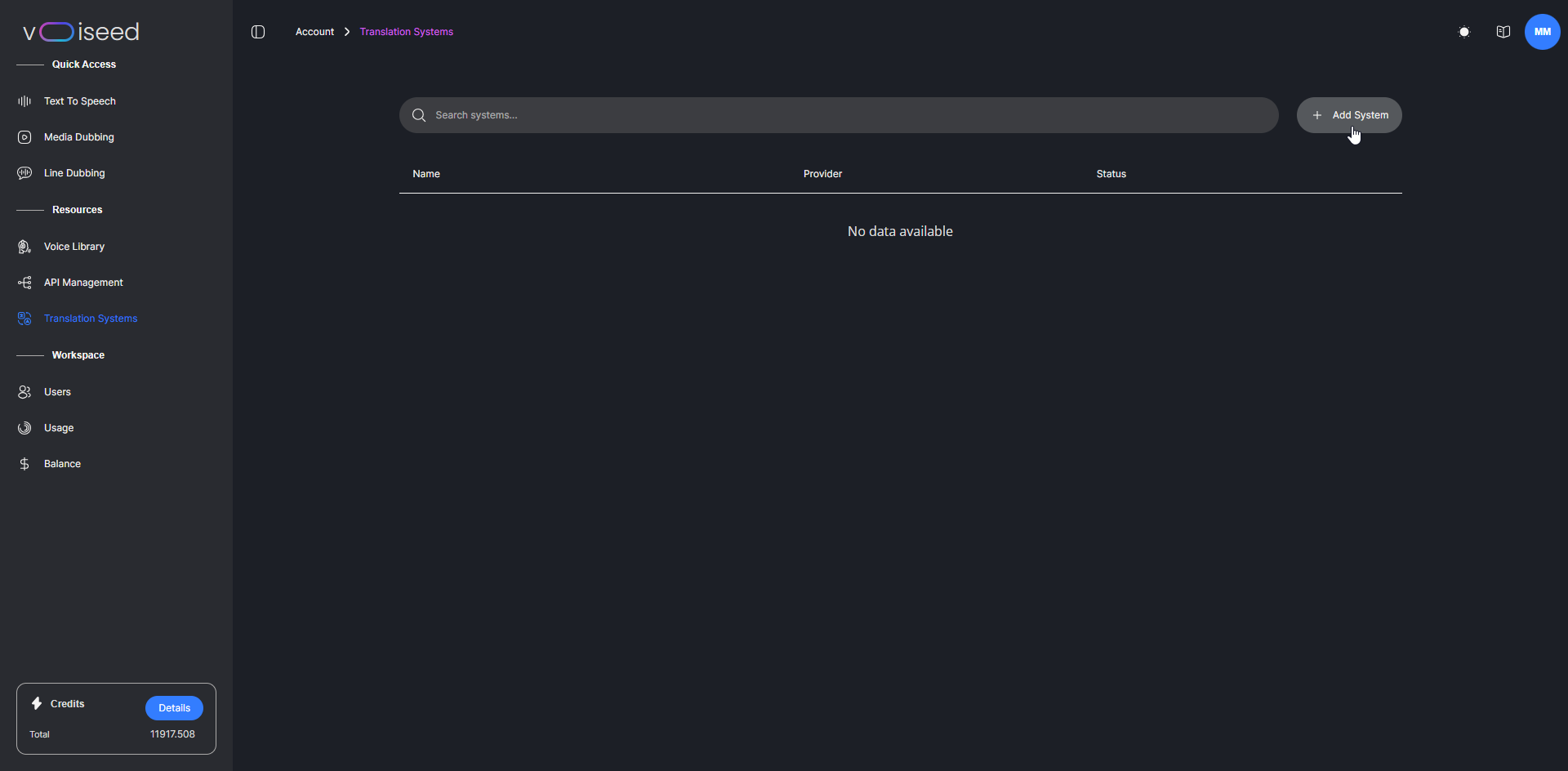
On the Translation Systems page, you can find all enabled systems in the table. To add a new one, click Add System.
A modal will appear allowing you to define a name for the profile that will be used to identify it across the platform. Then select an available provider from the drop-down menu. You'll need to enter the required authentication credentials to connect Voiseed Studio to the translation system of your choice. These may vary depending on the provider you use. If you disable the translation system, it will remain on your platform but will be hidden from the interfaces.
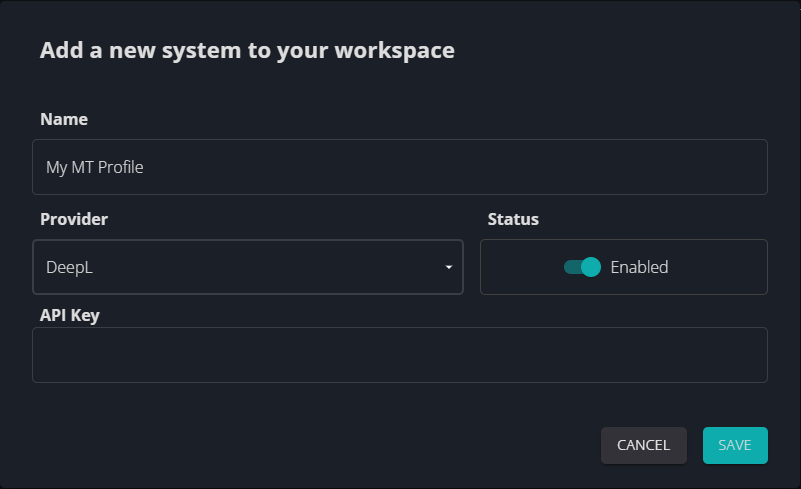
If you select an existing system, the same modal will appear, allowing you to rename the profile, enable or disable it, or update the authentication credentials.
Use a Translation System
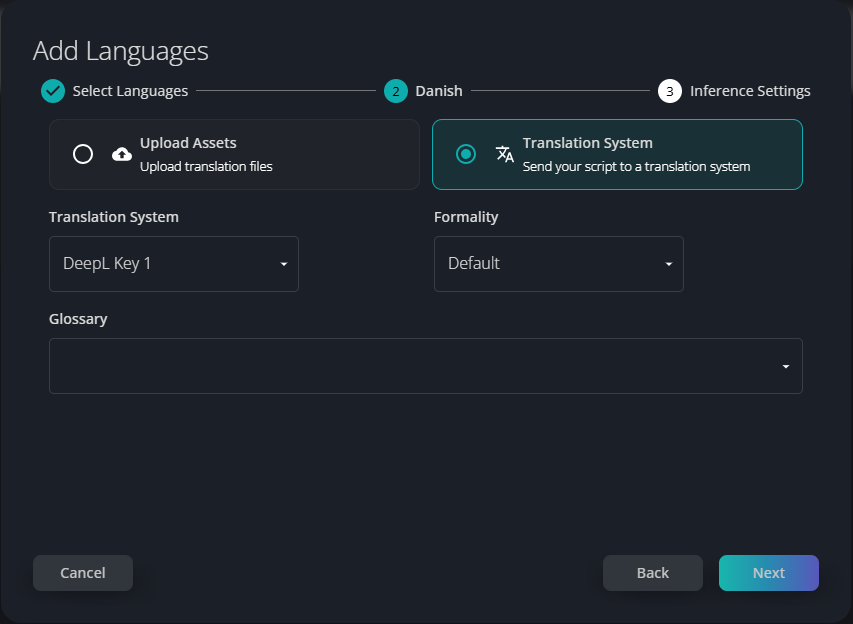
To use a translation system, navigate to a batch with a prepared source-language script. Click Add Language, choose the language and use the Translation System option.

Here, you can select one of your available profiles and, depending on the provider, configure additional options such as dictionaries or formality settings.