Casting
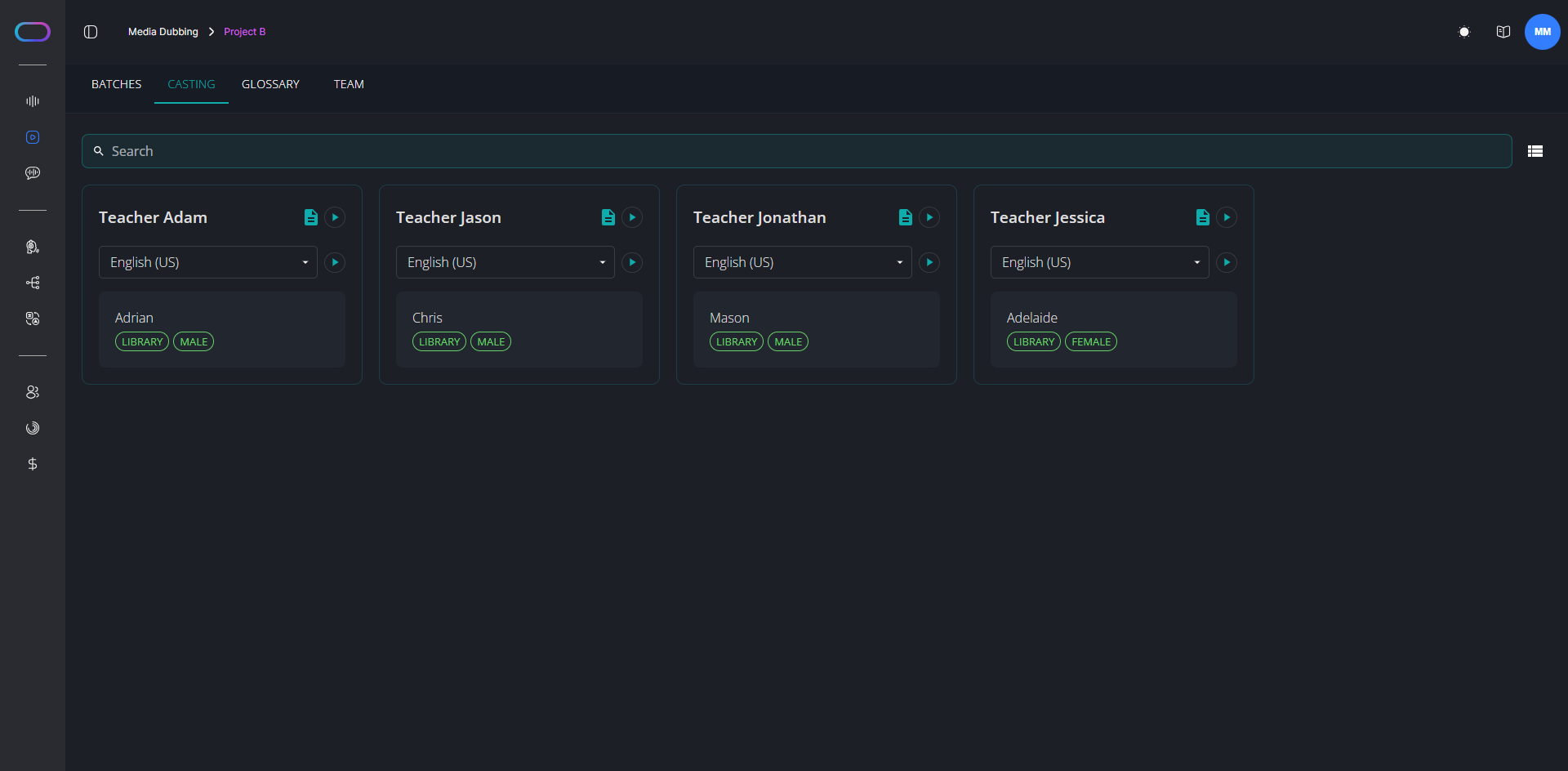
On the Casting page, you'll find a list of all the characters detected or created in your batches. The table displays each character's name along with a sample of their original audio (except for Text-To-Speech projects). You can also assign a voice to each character or review existing voice assignments. Note that for Media Dubbing projects, characters will not become visible until the source language review is complete and at least one target language script has been uploaded.
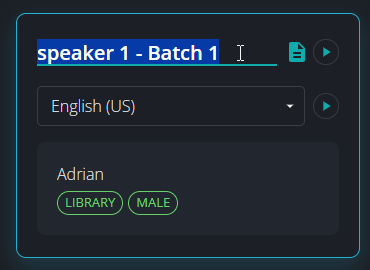
You have the option to edit the character's name automatically assigned by the platform. Just click on the character name to change it.
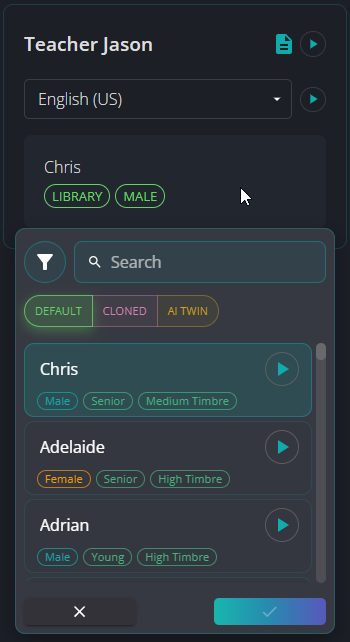
To assign a voice to a character, click on the voice name and browse through the available voices. You can assign a default voice from our library or a cloned voice, if it's available in your workspace.